
A practical checklist before you send a GIF
Published by Optimalium LLC · How we check our work · Report a correction
Check the actual file, message context and destination app before sharing an animated greeting. Avoid confusing a webpage link with a GIF attachment.
Are you sharing the page or the file?
Copying the address of a greeting page shares a webpage. The receiving service decides whether to display a link card, an image or only text. That does not mean the animation itself has been attached. Use Download GIF if you want the actual file.
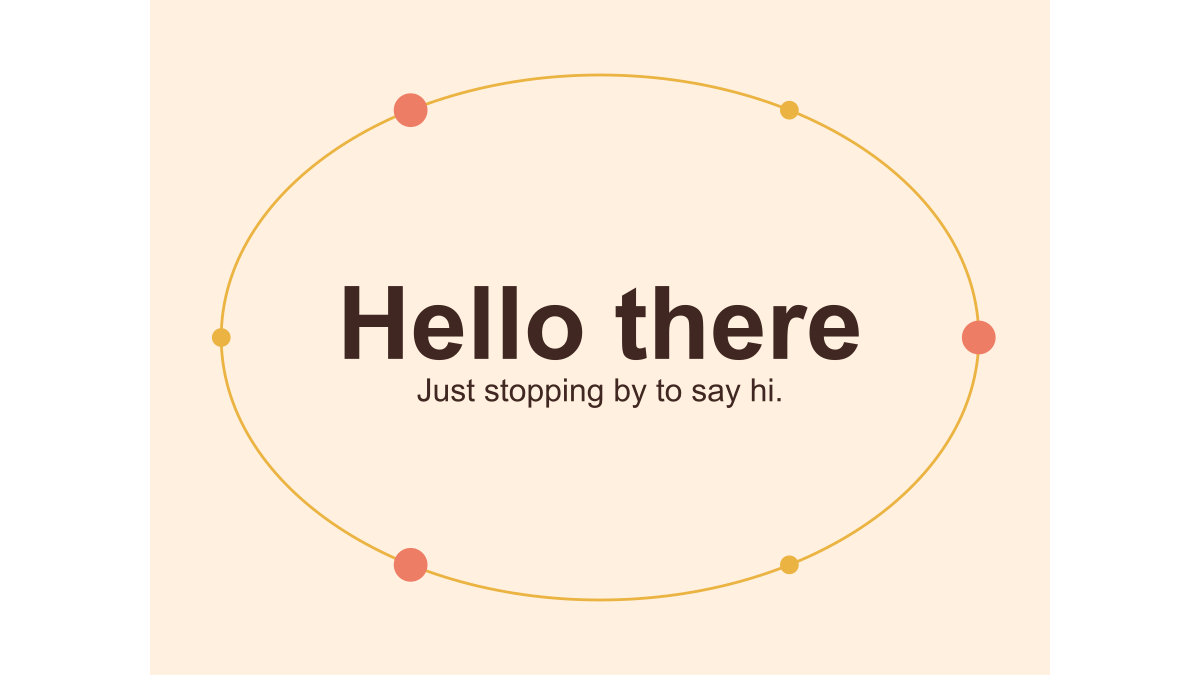
Download still PNG gives you a 480 × 360 pixel image of the first frame with no animation. Download still SVG gives you the vector illustration. If your app does not accept SVG attachments, try the PNG. Renaming either file to .gif does not convert it or make it move.
| What you want to send | Choose | What the recipient receives |
|---|---|---|
| The animation itself | Download GIF | A looping GIF file; playback depends on their app |
| A still greeting | Download still PNG | A raster image with no animation |
| A scalable still illustration | Download still SVG | A vector image that their app must support |
| Context and personalization options | Copy the greeting page address | A link to the webpage, not a file attachment |
For a custom still greeting, use Create still PNG in the studio. Select the size first and download after your final text edit. PNG and GIF exports replace the previous download link, so check the file label before saving.
What should you check on the saved file?
Open it in an application that supports animated GIFs. Watch at least one full loop, check both lines of text and look for missing characters. If you created a custom greeting, make sure you downloaded after the final edit. Our studio removes the previous download link when a setting changes to help prevent sending an outdated version.
Check the file’s actual size against the receiving app’s current attachment limit. We do not publish a fixed table of messaging-app limits because they can differ by app version, attachment method and account context. If you need a smaller export, compare the two sizes described in our file-size guide.
What if it becomes a still image?
First compare the saved original with the version displayed after sending. If the original animates and the sent copy does not, the destination may have converted it, generated a still preview or required a different attachment workflow. Try its documented GIF or file attachment option, or check the recipient’s view with a test message you are comfortable sharing.
Do not repeatedly send an important message while troubleshooting. Use ordinary text for the actual information and treat the animation as an optional addition. We have not tested every messaging platform and do not guarantee that downloading here causes animation everywhere.
Is the greeting appropriate for this conversation?
A friendly image can be welcome in one group and distracting in another. For a new contact, include enough written context to explain who you are and why you are writing. For a busy work channel, answer the real question before adding decoration. Avoid exposing private names, dates or personal events in public groups without the person’s agreement.
Consider whether the recipient prefers a still image. Downloaded GIFs request looping and may animate automatically in another app; our website’s Stop control does not travel with the file. The accessibility guide explains why repeating the meaning as text is useful even when the GIF plays perfectly.
For these original collection images, personal message sharing is the intended use. Commercial campaigns, resale and bulk redistribution are outside the permission described on the credits page.
Related Articles
guides
Change GIF speed: same pixels, three measured timings
Download a 24-frame GIF at three speeds. Compare exact bytes, inspect timing, and learn when a uniform delay will remove pauses you need.
guides
One greeting, three layouts: compare real GIF downloads
Compare centered, portrait and postcard greetings using nine real GIF and PNG files, measured bytes and a repeatable browser workflow.
guides
Fix a GIF export: small text, missing downloads and still images
Troubleshoot this browser GIF maker with reproducible checks for small lettering, cancelled exports, stale files and animation that becomes still.
Was this helpful?
Thanks for the feedback!