
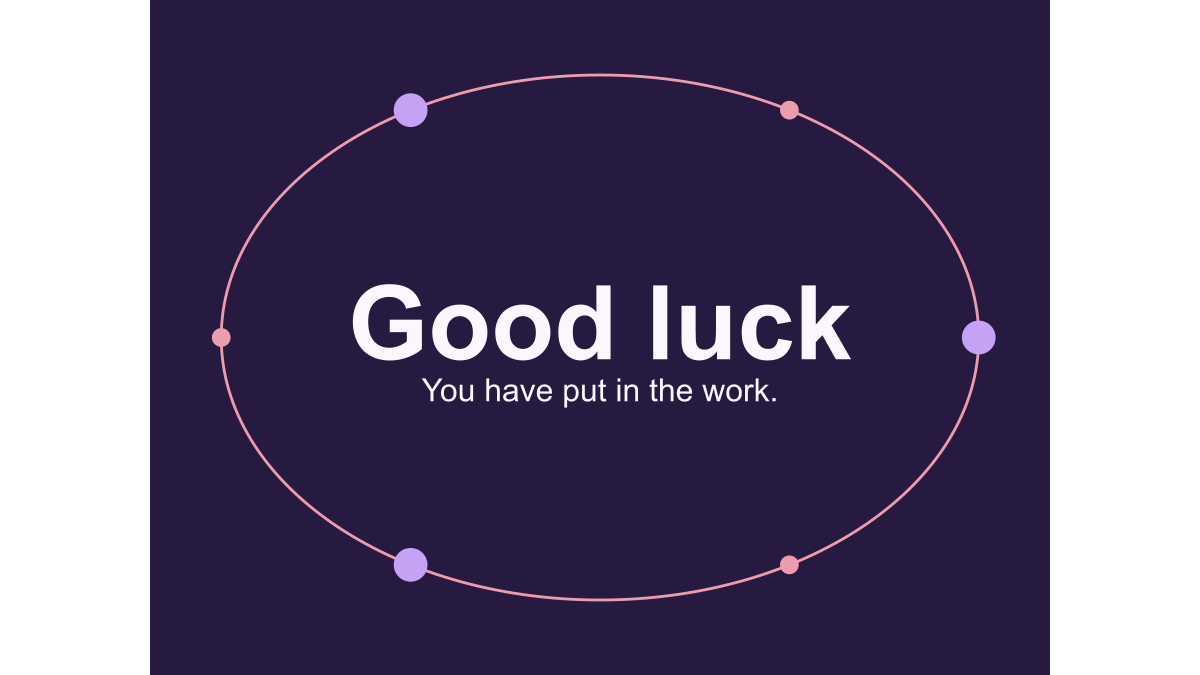
How a 24-frame GIF becomes a 2.4-second loop
Published by Optimalium LLC · How we check our work · Report a correction
Follow the frame timing used in our GIF maker and learn why a seamless loop does not need a duplicated final frame.
Where does the 2.4-second duration come from?
The calculation is 24 frames multiplied by 100 milliseconds: 2,400 milliseconds, or 2.4 seconds. That is the encoded timing used by this site’s generator and browser maker. A viewer can schedule playback differently under load or after converting the file, so this is a designed duration rather than a stopwatch guarantee for every app.
The Good luck orbit is a useful example. Its words stay still while dots move around an oval. The renderer draws 24 evenly spaced positions in a cycle. Each frame holds one position; the viewer presents those frames in sequence.
Why not end with an exact copy of the first frame?
Number the frames from 0 to 23. For an orbit, their phase positions are zero, one twenty-fourth of a turn, two twenty-fourths, and so on. Frame 23 is twenty-three twenty-fourths of a turn. The next step returns to frame 0 and finishes the circle.
If you add a frame at one complete turn, it looks like frame 0. Repeating the file would then show that position twice consecutively: once at the end and once at the beginning. With equal delays, the result can appear to hesitate at the join. Our renderer avoids that duplicated endpoint.
Why does confetti feel different at the same frame rate?
The confetti pattern oscillates around fixed locations, while the orbit moves dots around a full path. Equal frame count and duration do not imply equal travel distance between frames. A short movement can feel calmer than a large jump even if both update every 100 milliseconds.
The studio intentionally offers three fixed patterns rather than an unrestricted speed slider. It is designed for short greetings, not technical motion studies. The wave is decorative and should not be treated as a breathing timer or health exercise. To see a different spatial pattern, open Good morning.
How can you inspect the join yourself?
Play the preview and follow a single dot or piece of confetti for several cycles. Check for a sudden position change, a double pause or an unreadable message. Then export and repeat the check on the saved file. The SVG preview and the GIF use the same drawing function, but rasterization and palette conversion can change edge appearance.
This is a visual check, not a promise of smooth playback on every device. If the receiving app converts the GIF to a video, it may use different timing. Our sharing checklist explains how to separate a source-file issue from a destination-app issue. The file-size guide shows why adding frames also changes the amount of image data being processed.
Can you change the speed of a saved GIF?
The local speed tool sets a uniform delay for every image frame without re-encoding its pixels. It preserves the existing loop instruction. This replaces unequal pauses, so keep your original when a final frame needs extra reading time. Our three-speed experiment includes the actual 1.2-, 2.4- and 4.8-second files and explains why all three have the same byte count.
Related Articles
guides
Change GIF speed: same pixels, three measured timings
Download a 24-frame GIF at three speeds. Compare exact bytes, inspect timing, and learn when a uniform delay will remove pauses you need.
guides
One greeting, three layouts: compare real GIF downloads
Compare centered, portrait and postcard greetings using nine real GIF and PNG files, measured bytes and a repeatable browser workflow.
guides
Fix a GIF export: small text, missing downloads and still images
Troubleshoot this browser GIF maker with reproducible checks for small lettering, cancelled exports, stale files and animation that becomes still.
Was this helpful?
Thanks for the feedback!