
Give readers control over an animated greeting
Published by Optimalium LLC · How we check our work · Report a correction
Use still previews, optional motion and meaningful surrounding text when sharing GIFs. See the concrete choices used in this collection.
Why does this gallery begin with still images?
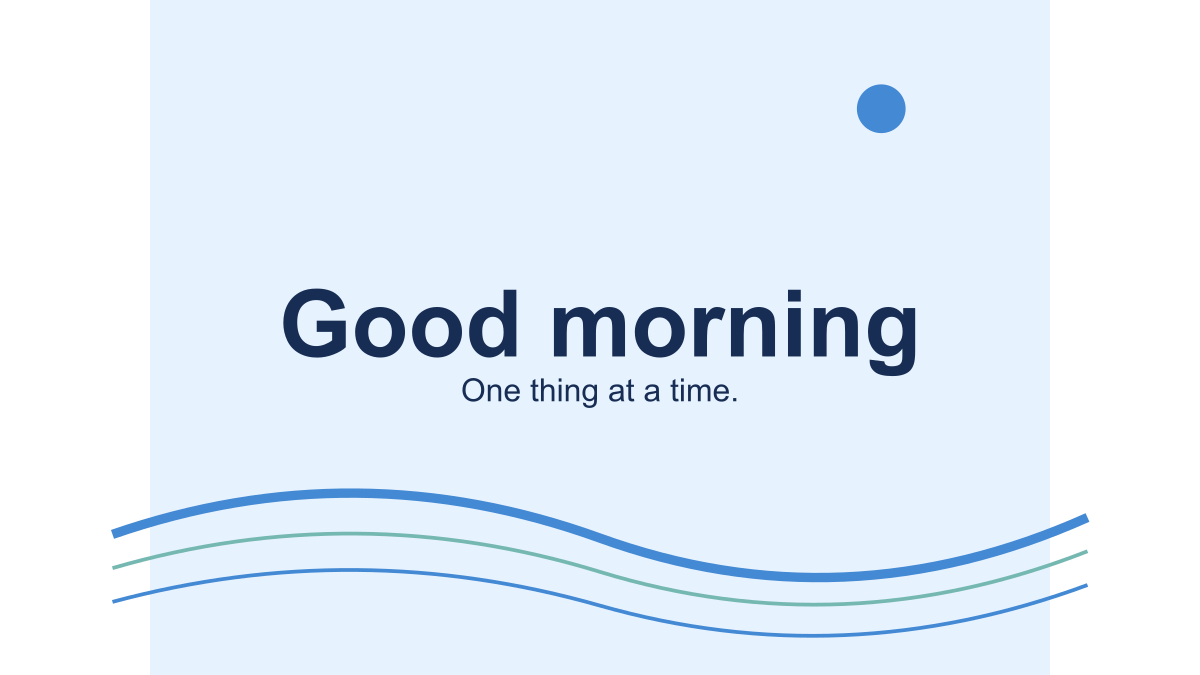
A grid of moving greetings asks every visitor to process several animations at once. Our collection instead loads a static SVG poster for each card. Opening a detail page still does not start movement: the reader chooses Play animation. Stop animation swaps the moving GIF for the original poster.
This is a concrete design choice, not a claim that every visitor has the same needs. Someone may want to read the wording first, reduce distraction, avoid motion discomfort or simply browse quietly. The same default applies whether or not their device advertises a reduced-motion preference.
What does the stop control do?
On a greeting page, Stop animation returns to the first still image. It does not freeze the exact frame you were viewing. Playback also stops when the tab becomes hidden or the device’s reduced-motion preference changes. Starting again loads the animated version. These cards do not offer a video-style timeline or frame-by-frame inspection.
The studio follows the same still-first approach. Editing a setting resets the preview, and hiding the browser tab stops studio playback. Exporting does not automatically play the result. Downloaded GIFs contain a looping instruction, however, and another app may start them automatically.
Choose Download still PNG on a card, or Create still PNG in the studio, to keep the greeting without motion. The PNG always represents the first frame. This gives the recipient an actual still file rather than relying on them to find a pause control in another app.
What text should accompany an image?
Imagine the image is missing. Can the recipient still understand why you sent the message? Write “Thanks for reviewing the draft” in the conversation rather than relying only on decorative text inside the GIF. A screen reader cannot infer that personal context from moving dots or confetti.
For a webpage, alternative text should communicate the relevant content. Our Thank you card describes the wording and visual treatment. If you place it beside an identical written message, consider the surrounding context so you do not force someone to hear redundant descriptions. This article is guidance for these greeting examples, not a full accessibility audit of your site.
Are slow animations automatically safe for everyone?
No. Slower movement and fixed text reduce some distractions, but they do not prove that an animation suits every person or condition. We make no medical or universal safety claim. For someone who prefers no motion, send plain text or a still image. Avoid making essential instructions depend on noticing a moving element.
W3C’s Pause, Stop, Hide explanation describes circumstances where moving information needs controls. Our decision to make every preview opt-in goes beyond deciding whether an individual 2.4-second loop meets a particular timing exception. Repeated loops can continue well beyond one cycle.
Before sending a downloaded file, read what changes in another app. To understand the repeat itself, see loop timing.
Related Articles
guides
Change GIF speed: same pixels, three measured timings
Download a 24-frame GIF at three speeds. Compare exact bytes, inspect timing, and learn when a uniform delay will remove pauses you need.
guides
One greeting, three layouts: compare real GIF downloads
Compare centered, portrait and postcard greetings using nine real GIF and PNG files, measured bytes and a repeatable browser workflow.
guides
Fix a GIF export: small text, missing downloads and still images
Troubleshoot this browser GIF maker with reproducible checks for small lettering, cancelled exports, stale files and animation that becomes still.
Was this helpful?
Thanks for the feedback!