
One greeting, three layouts: compare real GIF downloads
Published by Optimalium LLC · How we check our work · Report a correction
Compare centered, portrait and postcard greetings using nine real GIF and PNG files, measured bytes and a repeatable browser workflow.
What we made and measured
On 27 September 2026, we entered You made my day as the main message and Thank you, Sam as the subtitle in the GIF maker. All variants used Midnight mint and Orbit. We changed the composition, and for the portrait also changed shape and lettering. This compares three usable designs; it is not a controlled test isolating the effect of one setting.
We used Compare GIF and PNG sizes for each design, saved all nine files through the browser interface, and independently decoded each saved image with Pillow. Every GIF contains 24 image frames with 100 ms per frame, a stored cycle of 2.4 seconds and an infinite-loop request. PNG files are still first frames. We checked the still images visually too. The bytes below describe these specific downloads; another device’s font rendering can produce different bytes.
The nine downloads
Links in the table open the actual example files. GIFs may animate when opened in your browser or another application. Use the PNG links for a still alternative.
| Design and settings | Large GIF | Compact GIF | Still PNG |
|---|---|---|---|
| Centered line · Landscape · Clean sans serif | 480 × 360 · 161,469 bytes | 240 × 180 · 65,535 bytes | 480 × 360 · 27,325 bytes |
| Two-line greeting · Portrait · Classic serif | 480 × 640 · 189,744 bytes | 240 × 320 · 82,893 bytes | 480 × 640 · 34,562 bytes |
| Postcard · Landscape · Clean sans serif | 480 × 360 · 120,091 bytes | 240 × 180 · 52,024 bytes | 480 × 360 · 17,596 bytes |
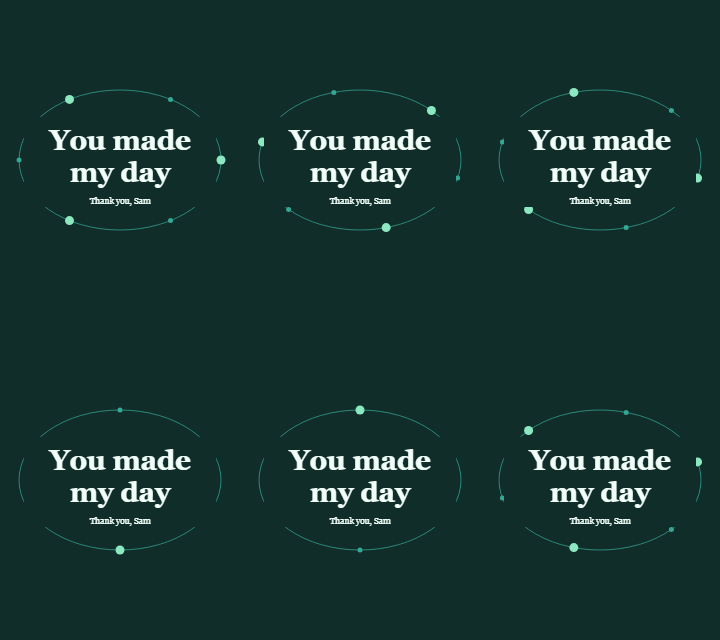
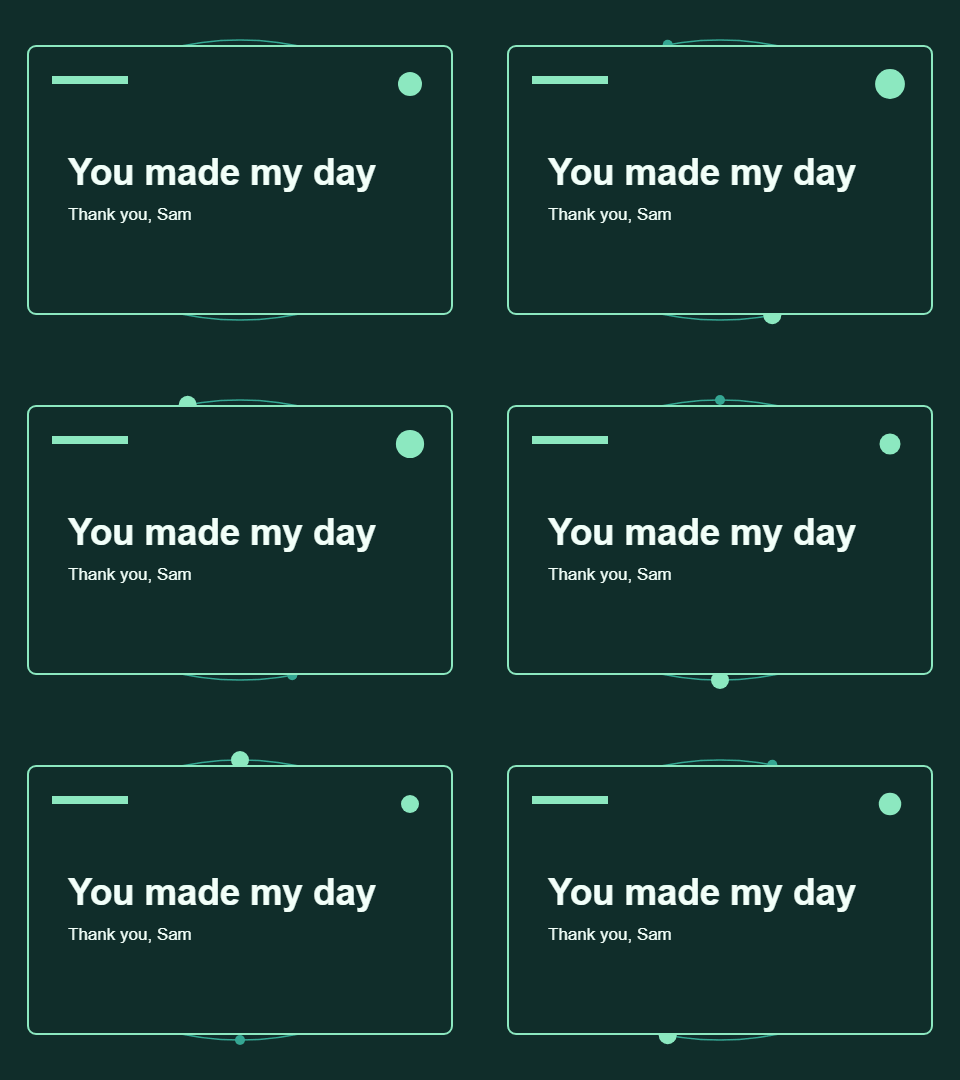
The machine-readable measurements include settings, dimensions, frame counts, timing and a SHA-256 digest for each download. The digest identifies the exact file we measured; it is not a quality or safety score.
Choose by reading the message
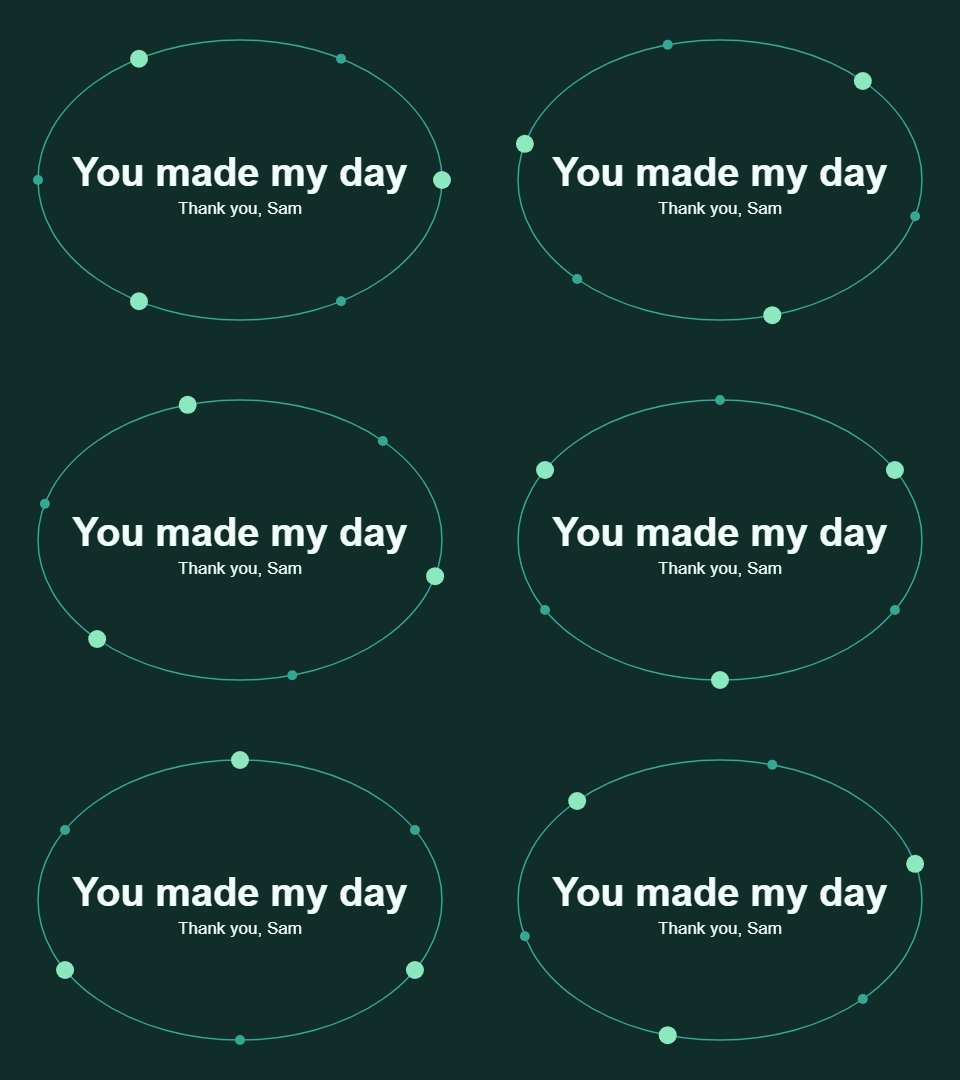
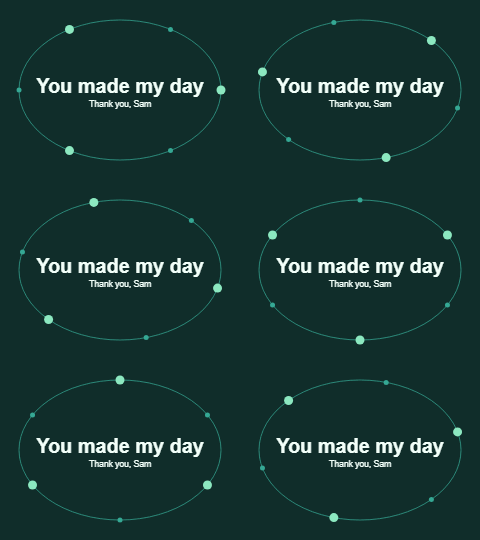
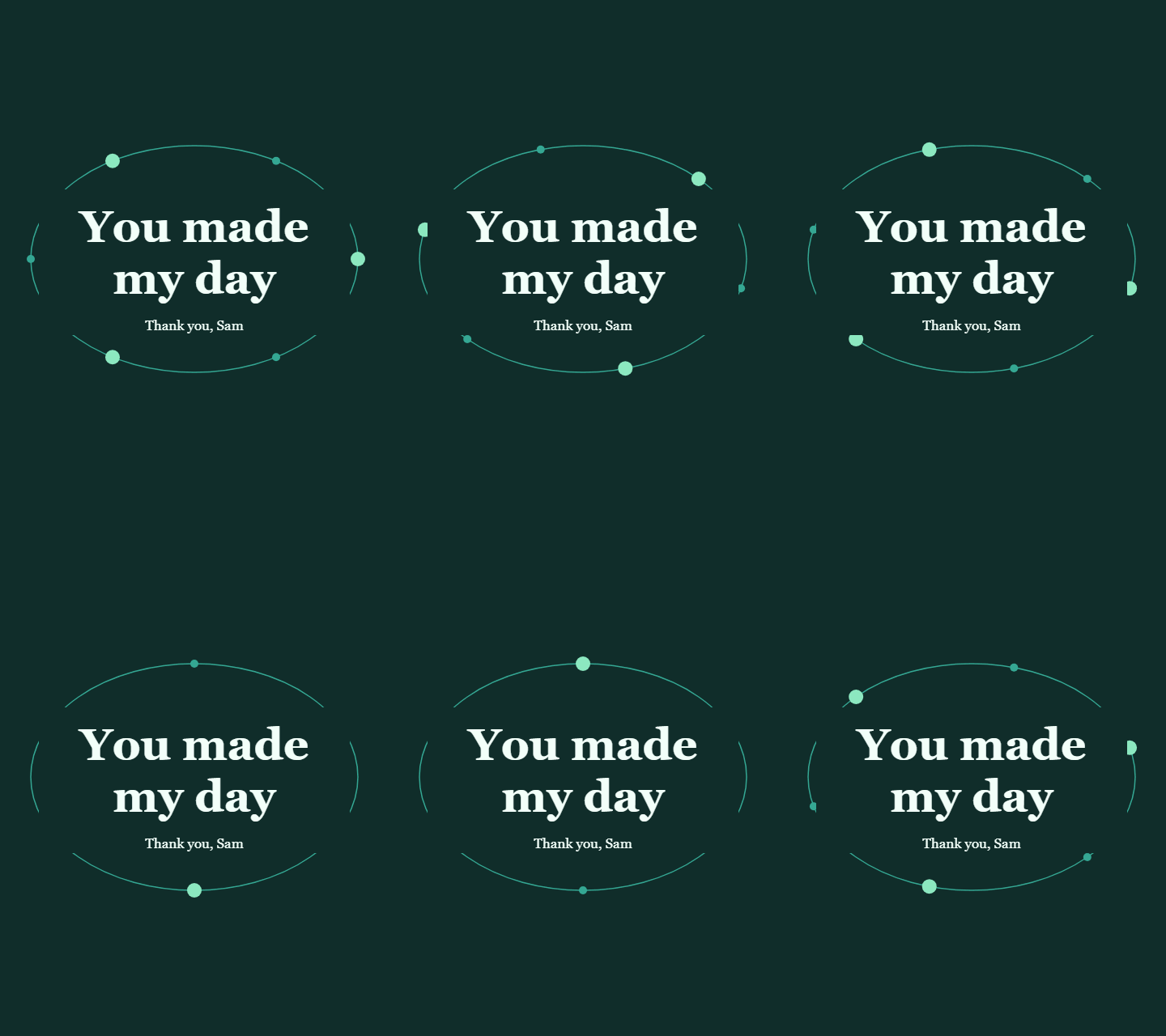
These previews are still PNGs, scaled to the width available. They show composition, not the animation or native pixel size.
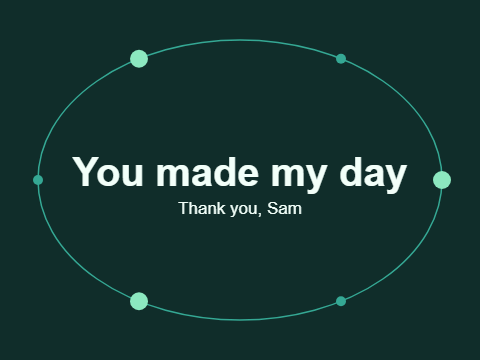
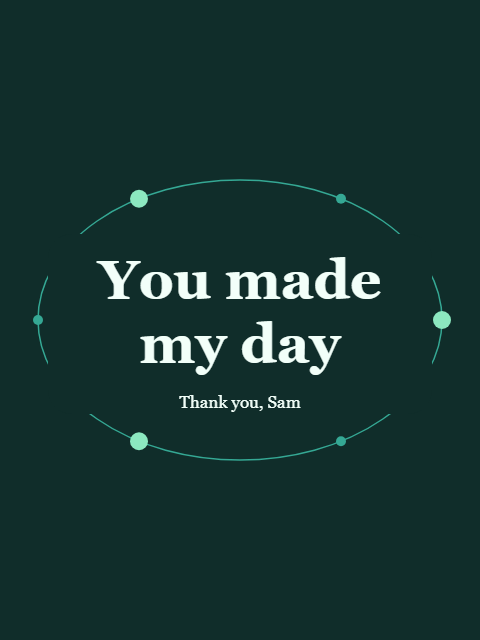
The centered version keeps this short sentence on one line and places the moving orbit around it. At the smaller export size, its type also becomes smaller. Check the saved version where it will actually be displayed, especially if you replace the message with a longer phrase.
The portrait splits the main message into You made and my day. Its larger central lettering occupies two lines while the subtitle stays beneath it. It has more vertical space and uses serif lettering, so its different file size cannot be attributed to height alone. Portrait means a 3:4 canvas; it is not a full-screen 9:16 story format.
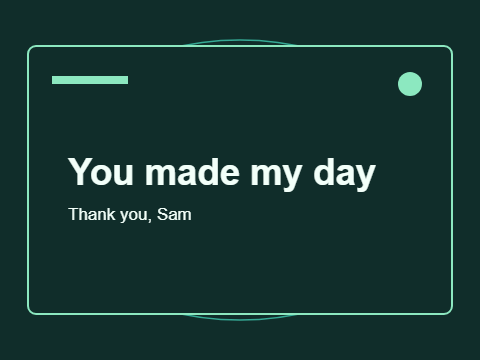
The postcard aligns the message to the left, inside a border with a small animated accent. In this example it produces the smallest GIF of the three large designs. That observation does not establish that Postcard is always the smallest choice: different text and movement can change the result.
Smaller dimensions, measured savings
Reducing width from 480 to 240 also halves height. Each compact frame therefore has one quarter of the pixel count of its matching large frame. File size does not follow that ratio exactly. Here the compact centered GIF is 59.4% smaller, the portrait 56.3% smaller, and the postcard 56.7% smaller than their respective large GIFs.
Do not compare a portrait compact export to the centered large export and call that a resolution-only saving. Use a matching design as the baseline. The file-size guide explains why frame content and palette choices affect the result alongside dimensions.
Repeat the check with your own words
- Enter a short message in the maker. Select a text layout, card shape and lettering.
- Select 240 px wide under Preview scale. This changes the displayed source preview, not the export settings. Use 480 px wide to inspect the larger size; on a narrow screen the image scrolls inside its frame.
- Press Play, then Pause. Pause holds the current frame. Use the timeline or Previous/Next buttons to inspect the source composition one frame at a time. The source preview precedes GIF palette reduction, so inspect the exported GIF as well.
- Run the comparison and download the files. PNG always captures the first frame, regardless of the timeline position.
- Select a saved GIF in the local inspector. Compare dimensions, bytes, 24 frames and the stored 2.4-second cycle. The inspector reads block metadata and does not decode pixels; that is why we additionally decoded these examples with Pillow.
- Open your saved file in its destination app. If movement is unwanted, use the still PNG and include the meaning in ordinary text, as explained in motion and accessibility.
Timing is a file instruction
The GIF89a specification defines graphic-control delay values in hundredths of a second. These examples store ten hundredths for each image frame. A receiving application may handle timing or looping differently, so a stored 2.4-second cycle is not a stopwatch guarantee on every device. Report a reproducible discrepancy through Contact with the settings and a non-sensitive sample message.
Related Articles
guides
Change GIF speed: same pixels, three measured timings
Download a 24-frame GIF at three speeds. Compare exact bytes, inspect timing, and learn when a uniform delay will remove pauses you need.
guides
Fix a GIF export: small text, missing downloads and still images
Troubleshoot this browser GIF maker with reproducible checks for small lettering, cancelled exports, stale files and animation that becomes still.
guides
Give readers control over an animated greeting
Use still previews, optional motion and meaningful surrounding text when sharing GIFs. See the concrete choices used in this collection.
Was this helpful?
Thanks for the feedback!