

GIF file size: compare pixels, frames and measured downloads
Published by Optimalium LLC · How we check our work · Report a correction
Understand GIF size with measured files from this collection, a pixel-count calculation and practical choices for smaller exports.
Why are equally long GIFs different sizes?
All eight original downloads contain 24 frames at 480 × 360 pixels and request a 2.4-second loop. Their file sizes still differ. The drawings, letters, edges and colour patterns change the data the encoder needs to represent. Duration alone is not enough to predict the download size.
The following measurements come directly from this site’s generated files, not from an estimate or an online compressor. KiB means 1,024 bytes. Browser-made versions can differ because text rendering uses the fonts available on the device.
| Published file | Exact bytes | KiB |
|---|---|---|
| Welcome | 121,642 | 118.8 |
| Well done | 130,883 | 127.8 |
| Birthday | 140,840 | 137.5 |
| Good morning | 187,404 | 183.0 |
| Take a breath | 189,275 | 184.8 |
| Hello | 189,285 | 184.8 |
| Good luck | 191,163 | 186.7 |
| Thank you | 193,779 | 189.2 |
This small comparison shows variation within our own renderer. It does not establish that confetti is always smaller than an orbit in other tools, or that another encoder will produce the same bytes.
What changes when you halve both dimensions?
One 480 × 360 frame contains 172,800 pixels. One 240 × 180 frame contains 43,200: a quarter as many, because both width and height were halved. Across 24 frames, that changes the number of source pixel positions from 4,147,200 to 1,036,800.
That arithmetic describes pixel work, not a guaranteed compression ratio. A downloaded GIF contains compressed indexed image data, colour tables and other information. It does not simply save four bytes for every source pixel. Do not promise that the compact file will be exactly one quarter of the original size.
What is the quickest useful experiment?
In the studio, enter “Thanks, Sam” and “That saved me a trip”, select Landscape, then choose Compare GIF and PNG sizes. This creates a 480 × 360 GIF, a 240 × 180 GIF and a 480 × 360 PNG from those same settings. With Landscape selected, the comparison uses these three dimensions regardless of the single-download size selector. Portrait changes the heights to 640 and 320 pixels. Compare the measured bytes and open both at the size a recipient will actually see. If the subtitle becomes uncomfortable to read, shorten it or keep the larger version rather than accepting a smaller but unhelpful file.
The percentage beside each alternative is (large GIF bytes − alternative bytes) ÷ large GIF bytes × 100. For example, hypothetical files of 200,000 and 60,000 bytes would show a 70% reduction; those are arithmetic examples, not measurements of your greeting. A negative reduction is shown as a larger file. PNG preserves a still first frame, so saving bytes also changes the experience.
Editing any setting clears the comparison to prevent a download with stale text. Cancel export discards the incomplete run rather than presenting partial results.
Our maker fixes the frame count at 24 and uses up to 64 colours per frame. It does not expose a quality slider or remove near-identical frames. You cannot upload an existing GIF for compression here. The measured value beside the download is therefore more useful than claiming this is an all-purpose optimizer.
What did an actual browser export produce?
On 27 September 2026, we ran the comparison with “Thanks, Sam”, the subtitle “That saved me a trip”, Midnight mint and Orbit. We downloaded all three files from the browser maker, then decoded them separately with Pillow to check dimensions, frames and timing. The files below are the actual outputs from that run.
| Download the tested file | Dimensions | Exact bytes | Difference from large GIF |
|---|---|---|---|
| Large GIF | 480 × 360 | 168,126 | Baseline |
| Compact GIF | 240 × 180 | 74,058 | 56.0% smaller |
| Still PNG | 480 × 360 | 27,144 | 83.9% smaller |
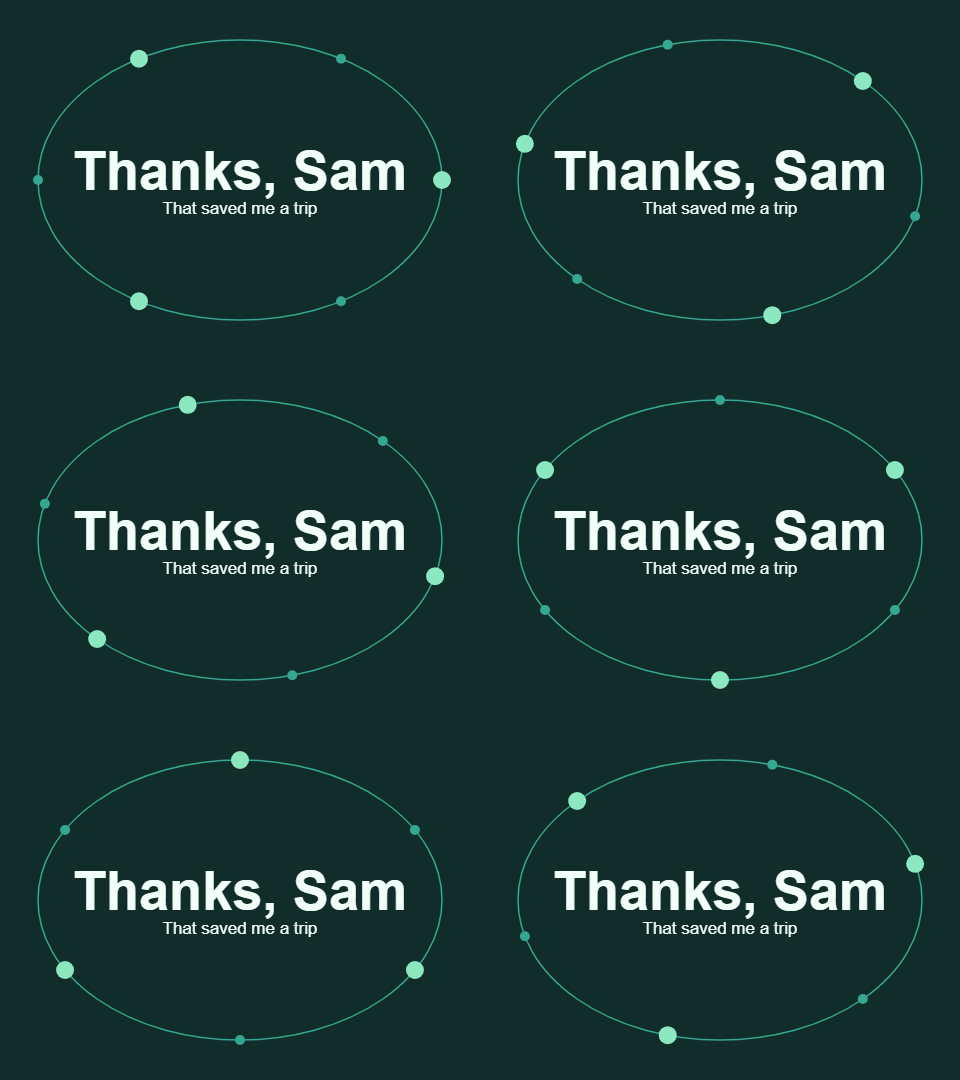
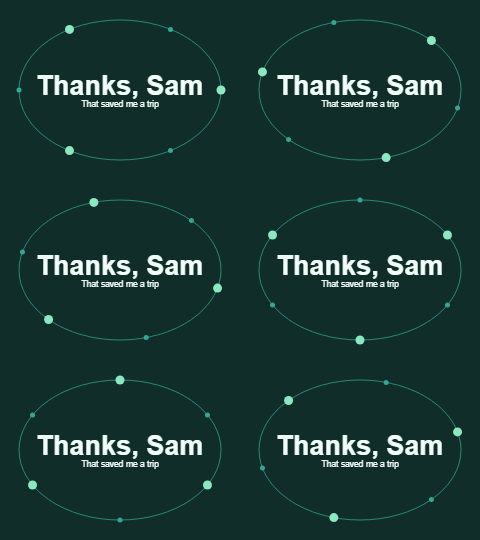
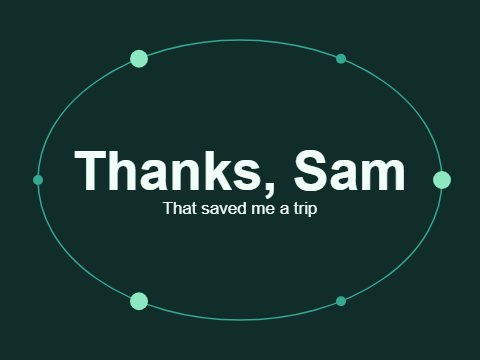
Both GIFs decoded to 24 frames with 100 milliseconds per frame and a continuous-loop instruction. Frame comparison confirmed movement. The PNG decoded to one still frame. These checks verify the saved files; they do not establish how WhatsApp, Telegram or another receiving app will display or convert them.
In this run, halving both dimensions reduced the GIF by about 56%, rather than the 75% suggested by pixel count alone. The PNG saved more bytes, but removed motion entirely. That trade-off matters more than choosing the smallest number without checking the result.
You can reproduce the settings in the maker. Your byte counts may differ because fonts and rasterization depend on the device. To inspect this exact run, use the downloads in the table and the machine-readable measurements. The original thank-you card uses different words and therefore has a different file size.
Is GIF always the best format?
No. A still message can be ordinary text or a static image, and other animation formats may suit a website better. MDN’s image-format guide describes those alternatives. We export GIF because this tool is intended for short downloadable greetings; that choice is not a universal performance recommendation. Read the sharing checklist before assuming a receiving app will preserve the file.
Related Articles
guides
Change GIF speed: same pixels, three measured timings
Download a 24-frame GIF at three speeds. Compare exact bytes, inspect timing, and learn when a uniform delay will remove pauses you need.
guides
One greeting, three layouts: compare real GIF downloads
Compare centered, portrait and postcard greetings using nine real GIF and PNG files, measured bytes and a repeatable browser workflow.
guides
Fix a GIF export: small text, missing downloads and still images
Troubleshoot this browser GIF maker with reproducible checks for small lettering, cancelled exports, stale files and animation that becomes still.
Was this helpful?
Thanks for the feedback!